


Bring in a moment
Import a photo or video. Your original in Photos stays unchanged.

For iPhone · Privacy with personality
Maskerij helps you cover faces in photos and videos before sharing—using playful 3D masks, blur, emoji, privacy covers, and black bars.
Covering a face can reduce visibility, but it does not guarantee anonymity. Always review before sharing.
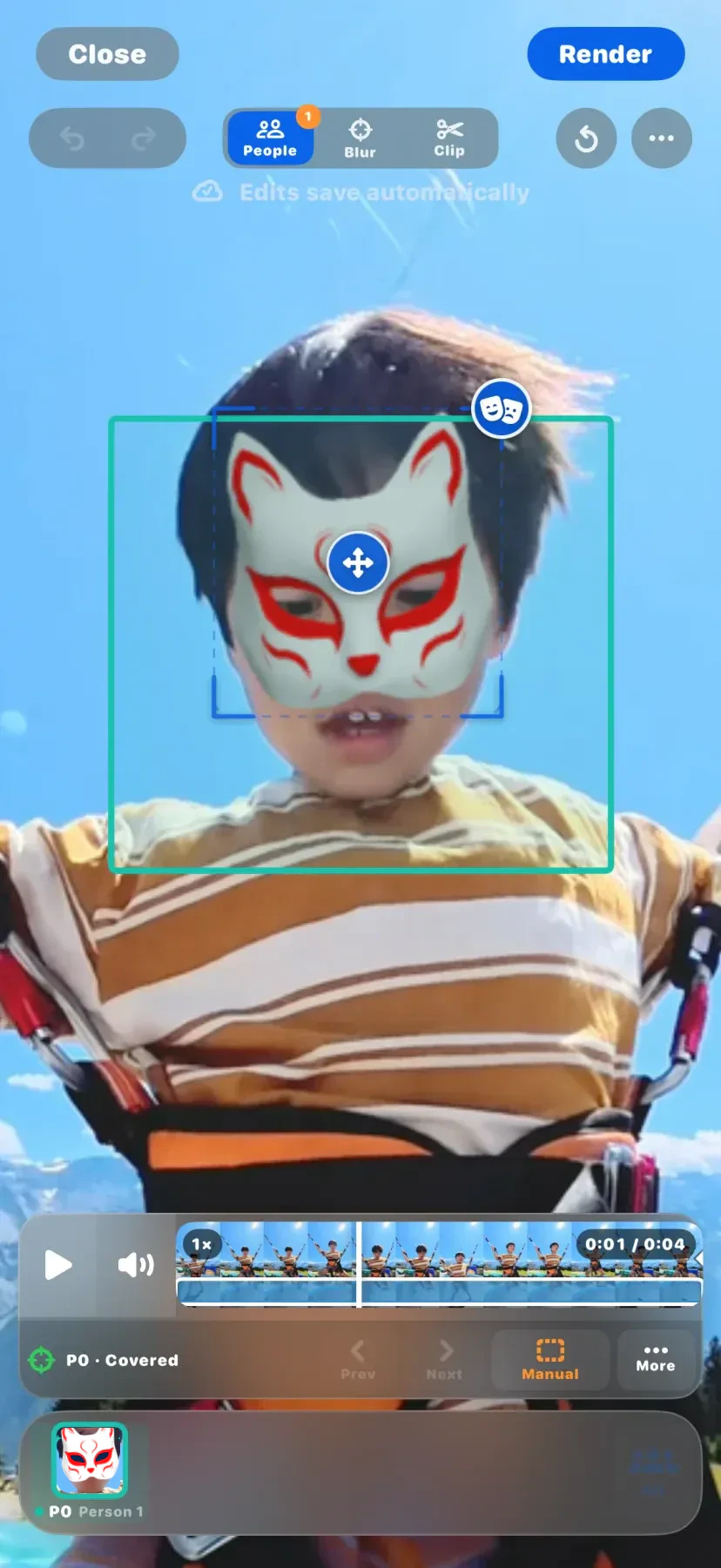
Real app results
These short rendered examples show a 3D treatment moving through a real clip. You stay in control of the final review before sharing.
Tap play to see each result · Swipe to see bothChoose your treatment
Pick a person, choose a treatment, and adjust the fit before you render.
Synthetic person shown for privacy.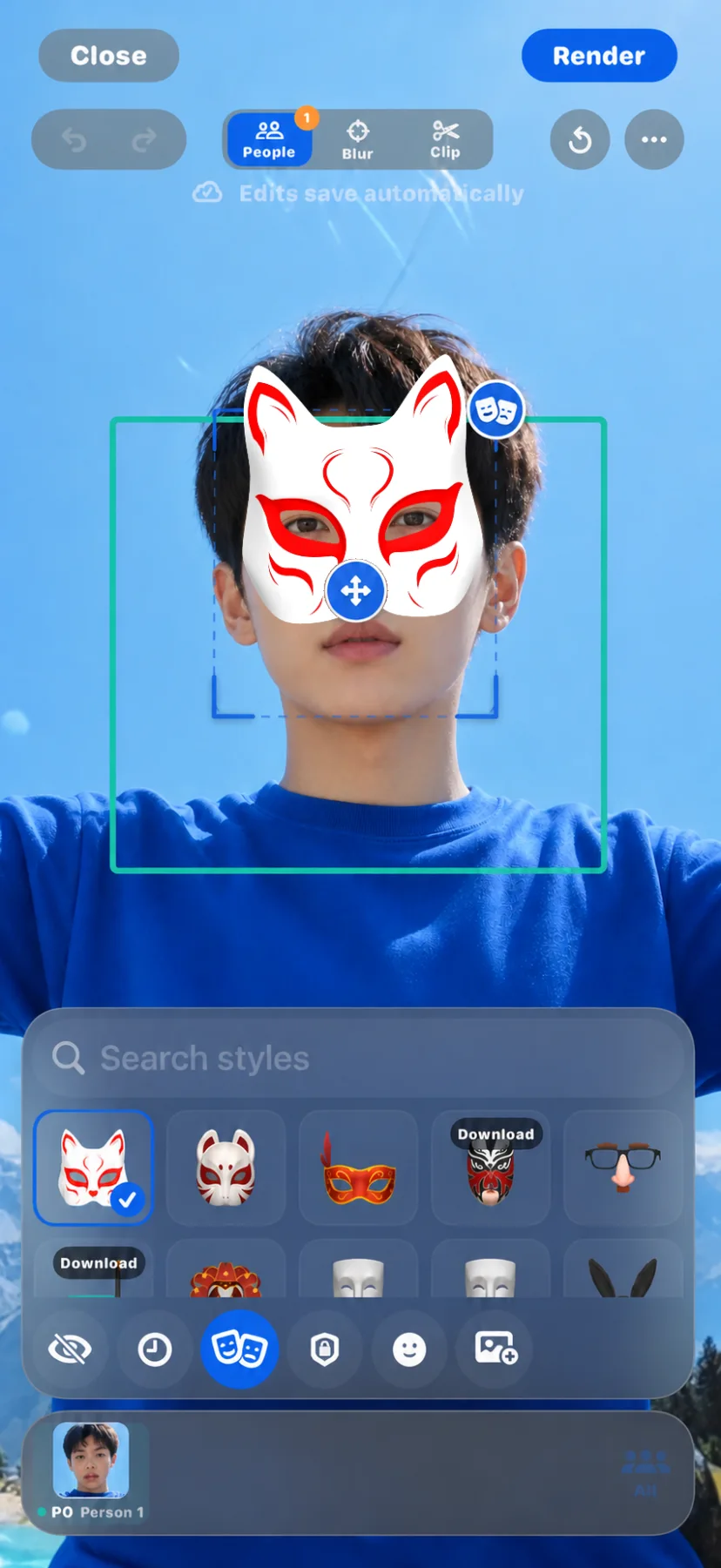
3D MaskPlace a dimensional mask over a selected face, then fine-tune the fit.
Swipe the preview
See how Fit works3D Mask, treatment 1 of 4
A calmer sharing flow
Import a photo or video. Your original in Photos stays unchanged.
Pick a person and a treatment. Adjust the fit only when you want to.
Check the result, render video when needed, and share when it feels right.
Adjust the fit
Start directly on the selected mask—and keep both fingers there for two-finger gestures. Explore each gesture to see the touch motion you would use in Maskerij.
Start outside the mask when you want to move or zoom the whole frame instead.
Review every moment
Follow motion, zoom in for a closer look, and inspect the moments that need your attention before you render.
Need to shorten the video? Trimming lives in the separate Clip tool.
 Compare before sharing
Built around your media
Maskerij edits photos and videos on your iPhone. The app does not use ad trackers or collect your media. Compare the masked result with the original, then choose what to export and share.
Read the privacy details →Maskerij for iPhone
We’re preparing Maskerij for release. The App Store link will appear here when it’s ready.
Coming to the App Store


